







Advanced

Hover me

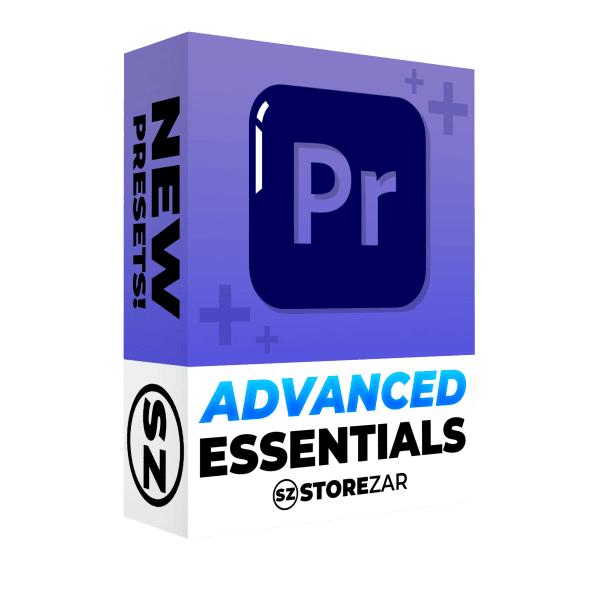
The Advanced Essentials Pack for Premiere Pro

$24.99

The essential presets every advanced editor can’t live without. Dozens of presets to level up your editing. Includes video FX, subtitles, zooms, camera shake, and more.

  • Use in any project. Even your clients.
  • Professional looking effects. Hand crafted by Finzar.
  • Part of the new Advanced line.

Watch the demo now

Details:

Contains over 60 essential presets, handmade for more advanced editors. A sequel to our best-selling The Essentials Pack, this preset pack will take your edits to the next level. Includes advanced zooms, extreme video FX, intricate subtitles, and cool screen effects.

This pack comes almost five years after our original Essentials Pack, and contains the everyday tools we have started using in the years since then. A must-have for any expert editor.

Thank you for purchasing our presets and supporting our shop. Happy editing!

Also included in: The Advanced Bundle for Premiere Pro

What’s inside?

Includes over 60 presets split into six different folders. They are:

Handy Tools: A selection of five everyday presets, including a smooth camera shake.

Video FX: 10 video effects that alter the look of your footage, including a censor bar, a glitch overlay, film grain, a head swirl, and a stabiliser.

Zooms: 13 zoom presets that will add smooth zooms in and out.

Subtitles: 10 subtitle presets, including 3D animations, bouncy text, and pop-ins.

Camera FX: 13 presets that will give your footage a variety of cool effects, including custom vignettes and distortion.

Screen FX: 10 effects for adding rounded corners to your assets or a white bar that shines across them.

@Chenso_YT

Indeed, the best presets for content creation

@creatorcology

My wife loved your course

@fxlyeditz

I bought everything for Premiere Pro! The website in particular was awesome. It had a very clean minimalistic design making the products look premium

@infamousram8657

I love the presets, they’ve made my editing smoother and quicker, and I feel more of my creativity being put on screen how I pictured it

@buffy3988

You made editing so much easier, thank you!

How to install:

Installing Presets Is Easy!

– Download your presets from your confirmation email and unzip your .ZIP file. Make sure you save your .PRFPSET file in a safe location on your computer.
– Open Premiere Pro and head to the effects tab. If you can’t see the effects tab, click ‘Window’, then enable ‘Effects’.
– In the effects tab, right-click on the ‘Presets’ section. You will see the option to ‘Import Presets’.
– Click ‘Import Presets’ and find the location where you saved your .PRFPSET presets.
– Double click the .PRFPSET file. Your import is now complete. You should now see your presets in the preset folder in Premiere Pro.

The Advanced Essentials Pack for Premiere Pro

Get The Advanced Essentials Pack for Premiere Pro

The essential presets every advanced editor can’t live without. Dozens of presets to level up your editing. Includes video FX, subtitles, zooms, camera shake, and more.

$24.99

Instant download after purchase.

Additional information

Details:

Contains over 60 essential presets, handmade for more advanced editors. A sequel to our best-selling The Essentials Pack, this preset pack will take your edits to the next level. Includes advanced zooms, extreme video FX, intricate subtitles, and cool screen effects.

This pack comes almost five years after our original Essentials Pack, and contains the everyday tools we have started using in the years since then. A must-have for any expert editor.

Thank you for purchasing our presets and supporting our shop. Happy editing!

Also included in: The Advanced Bundle for Premiere Pro